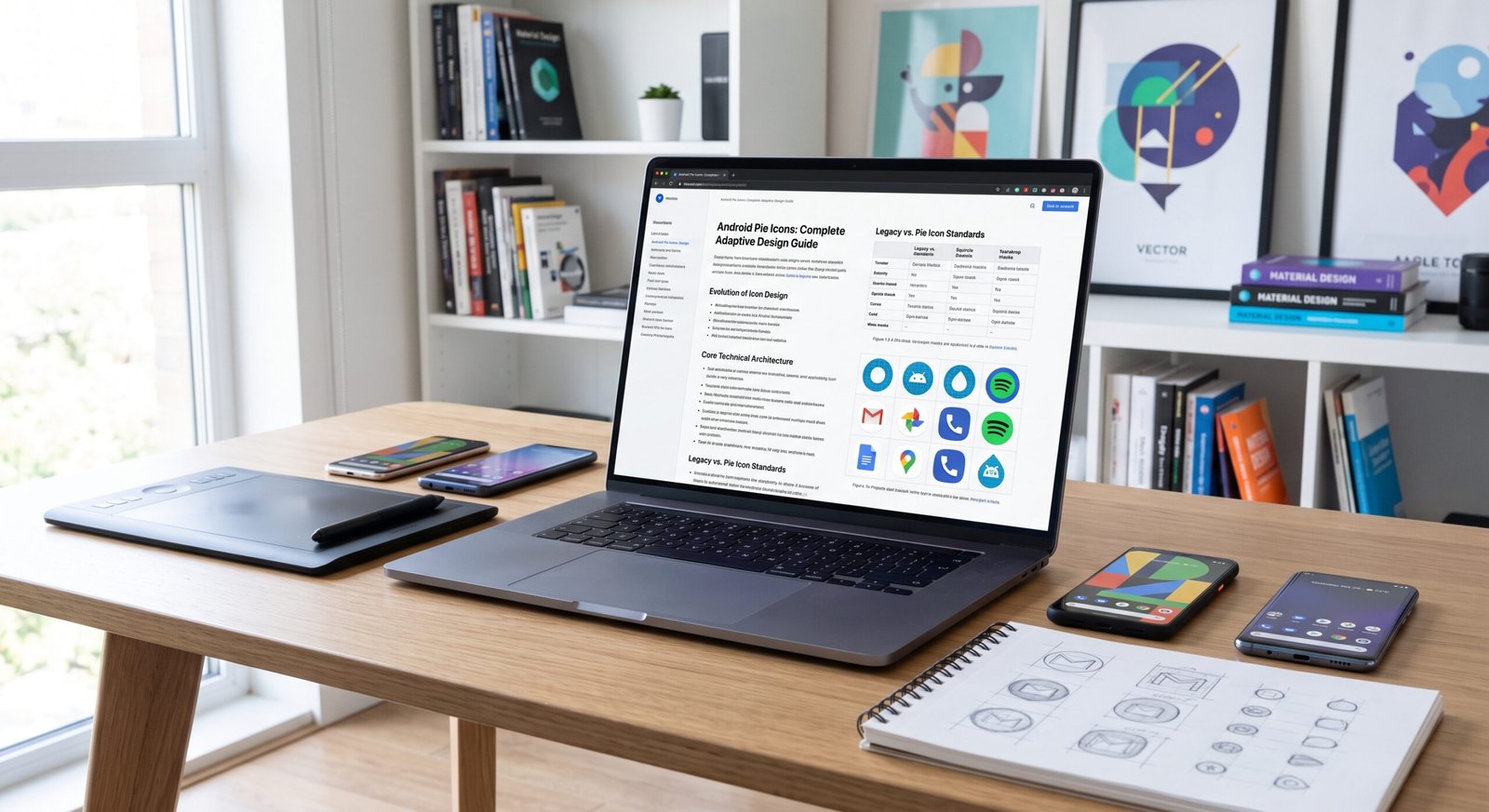


In an era where professionals, students, and creators demand devices that seamlessly blend into their dynamic lifestyles, ultrabooks stand out as the pinnacle of portable computing. These sleek machines deliver desktop-level performance in feather-light packages, making them ideal companions for those constantly on the move. Whether you’re editing videos in a bustling café, analyzing data during a cross-country flight, or simply juggling multiple tabs for research, the right ultrabook transforms how you work and create.
This comprehensive guide explores everything you need to know about these premium thin-and-light laptops. We’ll dive into their evolution, standout features, the latest 2026 models, and practical advice to help you decide if one fits your needs. By the end, you’ll have clear insights to choose a device that boosts productivity without weighing you down. As technology advances with AI capabilities, stunning displays, and extended battery endurance, understanding ultrabooks has never been more valuable for anyone seeking efficient, future-ready computing.
What Are Ultrabooks?
Ultrabooks represent a category of high-end, ultra-portable laptops emphasizing slim profiles, low weight, and strong performance for everyday tasks. Originating from Intel’s specifications, the term now broadly describes premium notebooks under 3.5 pounds with rapid responsiveness and impressive battery longevity.
These devices prioritize mobility without major compromises on power or usability. Expect premium builds using materials like aluminum or magnesium alloys, vibrant screens, and efficient processors optimized for quiet operation.
- Core characteristics: Typically 13- to 16-inch displays, SSD storage, at least 16GB RAM, and all-day battery life.
- Target users: Business travelers, remote workers, students, and light creators who value portability.
- Differentiation: They bridge basic laptops and high-performance workstations, excelling in balance rather than raw power for heavy gaming.
A Brief History of Ultrabooks
The ultrabook concept gained traction around 2011 when Intel introduced standards for thin, responsive Windows laptops to compete with emerging tablets. Early models like the MacBook Air inspired the push for elegance and efficiency in the PC space.
Over the years, advancements in processors, battery tech, and materials refined the category. By the mid-2020s, integration of ARM-based chips and AI accelerators marked a shift toward even greater efficiency.
- Milestones: Introduction of high-refresh and OLED panels; transition to fanless or low-noise designs.
- Evolution: From basic productivity tools to versatile machines supporting creative workflows and on-device intelligence.
- Current state: In 2026, focus lies on sustainability, repairability, and seamless AI experiences.
Key Features That Define Modern Ultrabooks
Today’s models shine through thoughtful engineering that prioritizes user experience. Expect rapid wake times, solid-state drives for instant access, and keyboards with satisfying travel.
- Lightweight construction: Many weigh under 2.5 pounds thanks to advanced alloys and carbon fiber.
- Efficient cooling: Vapor chambers and smart thermal management keep systems quiet under load.
- Premium input devices: Backlit keyboards, large precision trackpads, and high-quality webcams.
- Security features: Fingerprint readers, facial recognition, and TPM chips for data protection.
Ultrabooks vs Traditional Laptops: What’s the Difference?
While traditional laptops offer variety, ultrabooks excel in refined portability. Standard models may provide more expansion options or dedicated graphics but often feel bulkier with shorter battery times.
- Portability: Ultrabooks are noticeably thinner and lighter for effortless carrying.
- Battery endurance: Optimized components deliver 15+ hours versus 6-10 on many conventional units.
- Build and feel: Premium materials versus plastic-heavy chassis in budget segments.
- Performance focus: Balanced efficiency over peak power for sustained mobile use.
Comparison Table: Ultrabooks vs. Traditional Laptops
| Aspect | Ultrabooks | Traditional Laptops |
|---|---|---|
| Weight | 2-3.5 lbs | 4+ lbs |
| Battery Life | 12-20+ hours | 6-12 hours |
| Thickness | Under 0.7 inches | Often 0.8+ inches |
| Price Range | Premium ($800+) | Wide ($400-$2000+) |
| Primary Strength | Mobility & efficiency | Expandability & raw power |
Top Ultrabook Models of 2026
Leading options in 2026 highlight innovation across ecosystems. Apple’s MacBook Air with M5 chip offers exceptional efficiency, while Windows contenders like the HP OmniBook series and ASUS Zenbook line deliver vivid OLED displays and strong AI performance.
- Apple MacBook Air 13/15 (M5): Fanless design, stellar battery, and seamless macOS integration.
- HP OmniBook Ultra/5 14: Outstanding battery champions with Snapdragon or Intel options and beautiful screens.
- ASUS Zenbook S14/A14: Lightweight with premium builds and flexible configurations.
- Lenovo ThinkPad X1 Carbon: Business favorite with robust durability and excellent keyboards.
- Dell XPS 14: Revived with powerful Intel chips and stunning visuals.
Performance and Processors in Today’s Ultrabooks
Modern processors from Intel (Core Ultra series), AMD (Ryzen AI), Qualcomm (Snapdragon X2), and Apple Silicon power these devices. They balance speed with power efficiency for multitasking and light creative work.
- AI acceleration: Dedicated NPUs handle tasks like image editing or voice recognition locally.
- RAM and storage: 16GB+ unified or LPDDR memory and fast NVMe SSDs ensure smooth operation.
- Real-world use: Quick app launches, effortless browser multitasking, and capable photo/video editing.
Display Technologies: OLED and Beyond
Displays have evolved dramatically. Many 2026 models feature OLED panels for infinite contrast, rich colors, and energy efficiency. Some include high-refresh rates for smoother scrolling.
- Benefits of OLED: Deeper blacks and vibrant HDR content.
- Alternatives: Mini-LED or high-brightness IPS for specific needs like outdoor visibility.
- Trends: Touch support on convertibles and anti-reflective coatings.
Battery Life and Portability
Extended runtime defines the appeal. Many users report full workdays on a single charge thanks to efficient silicon and larger cells in slim chassis.
- Factors influencing endurance: Processor choice, display type, and usage patterns.
- Charging: Fast USB-C support gets you back up quickly.
- Portability perks: Slip into bags easily and work comfortably on laps or in tight spaces.
Design and Build Quality
Expect CNC-machined aluminum, minimalist aesthetics, and durable hinges. Attention to detail appears in haptic feedback, precise ports, and thoughtful ergonomics.
- Materials: Recycled metals and eco-conscious choices in newer lines.
- Hinges and flexibility: 360-degree on 2-in-1s or sturdy clamshells.
- Aesthetics: Available in multiple finishes to match personal style.
Connectivity and Ports
While minimalism rules, modern ultrabooks include versatile Thunderbolt/USB-C, HDMI in some, and headphone jacks. Adapters handle legacy needs.
- Wireless: Wi-Fi 7 and Bluetooth 5.4 for fast, stable connections.
- Expansion: Docking support for desktop-like setups.
- Considerations: Prioritize models matching your peripheral ecosystem.
AI Integration in Ultrabooks
On-device AI enhances experiences without constant cloud reliance. Features include smart assistants, automatic background adjustments, and creative tools.
- Practical applications: Noise cancellation in calls, photo enhancement, and productivity suggestions.
- Privacy benefits: Local processing keeps data secure.
- Future potential: More personalized computing as software evolves.
Sustainability and Eco-Friendly Aspects
Manufacturers increasingly focus on repairability, recycled materials, and lower carbon footprints. Some models earn high EPEAT ratings.
- Initiatives: Modular components and energy-efficient designs.
- Consumer impact: Longer device lifespans reduce e-waste.
- Emerging tools: AI-driven carbon impact estimators for purchases.
Who Should Buy an Ultrabook?
Ideal for frequent travelers, office professionals, students, and hybrid workers needing reliable mobility. They suit light-to-medium workloads best.
- Best fits: Content consumers, writers, analysts.
- Less ideal: Heavy gamers or 3D modelers needing discrete GPUs (consider specialized thin gaming options instead).
Common Challenges and How to Overcome Them
Heat in compact bodies or limited upgradability can arise, but smart usage mitigates issues. Choose configurations wisely and use cooling pads if needed.
- Software compatibility: Test ARM-based models for your apps.
- Cost: Look for deals and consider long-term value.
- Repairs: Opt for brands with good support programs.
Case Study: A Freelance Designer’s Experience
Sarah, a graphic designer, switched to an ASUS Zenbook with OLED display. She reports 30% more productive hours on the go due to accurate colors and all-day battery, eliminating the need for constant outlet hunting during client meetings.
Buying Guide: How to Choose the Right Ultrabook
Assess your primary needs first: screen size, operating system preference, and budget. Check reviews for real-world testing.
- Budget tiers: Entry premium around $800-$1200; high-end $1500+.
- Must-check specs: Processor, RAM (16GB+), storage (512GB+), and display quality.
- Trial tips: Visit stores for hands-on feel and verify return policies.
How Do Ultrabooks Handle Everyday Productivity?
They excel at multitasking, document work, video calls, and web browsing with snappy responsiveness and comfortable ergonomics for long sessions.
What Makes OLED Displays Stand Out in Ultrabooks?
Superior contrast and color accuracy make media consumption and creative work more enjoyable, with lower power draw in dark scenes.
Are Ultrabooks Good for Students in 2026?
Absolutely light weight, long battery, and solid performance support note-taking, research, and online classes without fatigue.
How Long Do Ultrabooks Typically Last?
With proper care, 4-6 years or more, thanks to durable builds and efficient components that age gracefully.
Can Ultrabooks Run Demanding Software?
Many handle photo/video editing and light coding well, though heavy 3D or compilation tasks may need workstation alternatives.
What Should I Consider Regarding Operating Systems?
macOS offers polish and battery advantages; Windows provides broader software compatibility. Choose based on your ecosystem and apps.
Are There Affordable Ultrabook Options Available?
Yes, models like certain HP OmniBooks or entry MacBook variants deliver strong value without extreme premiums.
Conclusion
Ultrabooks have matured into sophisticated tools that empower mobile professionals and creators alike. From their slim, elegant designs and efficient processors to stunning displays and AI-enhanced features, they address the core needs of modern computing: freedom, performance, and reliability. In 2026, with advancements in sustainability and on-device intelligence, these devices continue pushing boundaries while remaining practical daily drivers.
Whether you’re upgrading for better portability or entering the premium laptop space for the first time, investing in a quality ultrabook pays dividends in convenience and longevity. Take time to evaluate your workflow, compare options like the versatile ASUS Zenbooks or powerhouse HP OmniBooks, and select one that aligns with your goals. Explore hands-on reviews, consider your software needs, and step into a more agile way of working. The future of personal computing feels lighter and brighter with these remarkable machines your next productive chapter awaits.