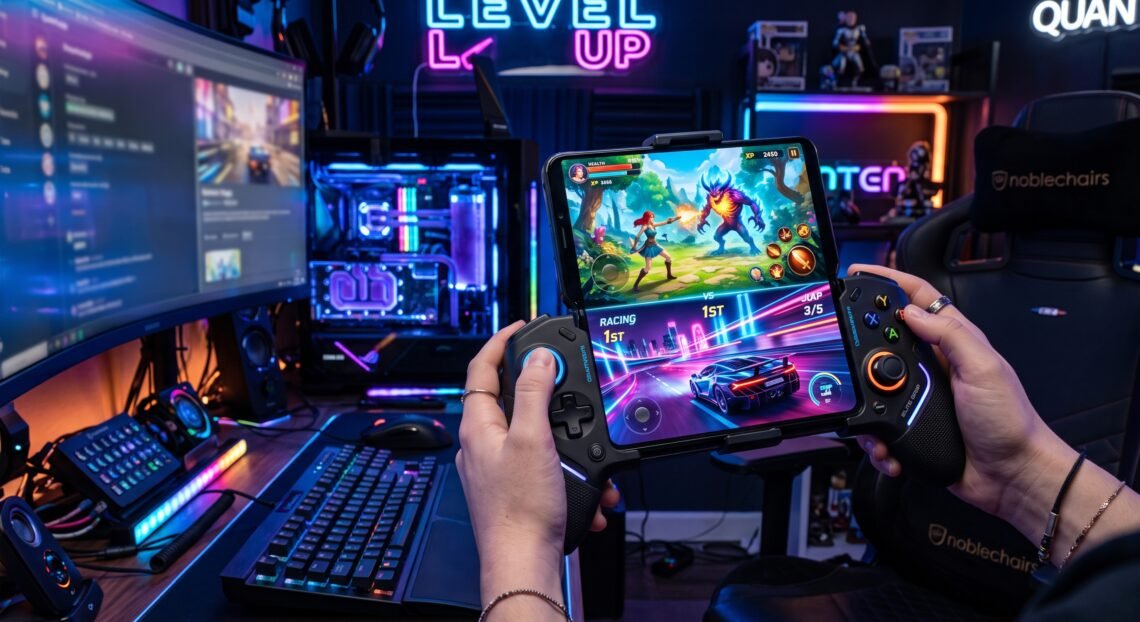
Mobile gaming has evolved from simple touch-based puzzles into a powerhouse of near-console quality experiences. Modern Android smartphones and tablets now house powerful graphics processing units capable of delivering high frame rates, ray tracing, and complex physics engines. However, virtual on-screen touch controls often hold back mobile performance, leading to accidental inputs, obscured screens, and thumb fatigue.
Connecting a physical gamepad changes the entire experience. Whether using an Xbox Wireless Controller, a PlayStation DualSense, or telescopic grips like the Backbone One or Razer Kishi, tactile buttons offer exact responsiveness, better screen visibility, and a true console-style feel on the go. This complete guide highlights the top android games with controller support, covering high-octane competitive shooters, deep action role-playing titles, retro platformers, and immersive racing simulators.
Fast-Paced Action and Shooter Android Games with Controller Support
First-person and third-person shooters demand immediate reaction times, rapid aiming, and precise spatial movement. Using virtual analog sticks can lead to imprecise tracking, but native controller support levels the playing field. Playing high-stakes battle royale matches with physical triggers provides a noticeable competitive edge.
- Call of Duty: Mobile: A benchmark for mobile first-person shooters. It provides seamless native controller integration for Xbox and PlayStation gamepads during active matches.
- Dead Effect 2: A sci-fi horror shooter featuring rich RPG progression, deep weapon customization, and atmospheric gameplay optimized for physical button layouts.
- Blood Strike: A fast tactical battle royale engineered for quick movements, sliding mechanics, and fluid gunplay that feels instantly familiar with physical thumbsticks.
- Alien: Isolation: A survival horror title transferred directly to mobile, where analog stick precision makes sneaking past terrorizing threats far smoother than using touch controls.
+--------------------------+-------------------+---------------------+------------------------+
| Game Title               | Genre             | Pricing Model       | Controller Integration |
+--------------------------+-------------------+---------------------+------------------------+
| Call of Duty: Mobile     | Tactical Shooter  | Free-to-Play        | Native (In-Match Only) |
| Dead Effect 2            | Sci-Fi Shooter    | Free with In-App    | Complete Menu & Game   |
| Blood Strike             | Battle Royale     | Free-to-Play        | Native In-Match        |
| Alien: Isolation         | Survival Horror   | Premium (Paid)      | Full Console Mapping   |
+--------------------------+-------------------+---------------------+------------------------+
Deep Open-World and RPG Titles Supporting Physical Gamepads
Open-world exploration and action role-playing games require complex button inputs for abilities, inventory tracking, camera controls, and character movement. Physical gamepads let players clear visual clutter off beautiful mobile screens while executing clean ability combos.
- Genshin Impact: Offers native controller support on Android via Bluetooth gamepads, making real-time element combinations and camera adjustments feel effortless.
- Diablo Immortal: Built from the ground up with physical controller options in mind, enabling intuitive directional attacks and skill targeting through twin-stick layouts.
- Star Wars: Knights of the Old Republic: A legendary classic RPG brought to Android with full controller remapping for effortless dialogue selection and party management.
- Wuthering Waves: An action-heavy open-world game where quick dodge timings, parrying, and aerial counters benefit greatly from tactile physical triggers.
High-Speed Android Racing Games with Controller Support
Precision steering and gradual throttle application are critical in modern racing games. Virtual buttons rely on binary on/off touch inputs, whereas analog triggers on controllers allow drivers to balance acceleration through tight turns and control braking distances without locking up wheels.
- GRID Legends: Deluxe Edition: A premier racing title on mobile. It features deep career progression, realistic vehicle physics, and native support for full controller trigger modulation.
- Asphalt 9: Legends: Arcade racing packed with high-speed drifts, nitro boosts, and intense jumps. Connecting a controller turns off simplified touch controls, handing total manual command back to the driver.
- Rush Rally 3: A realistic rally simulator where subtle analog stick steering inputs and light trigger pressure make all the difference on loose gravel and snow tracks.
- Rocket League Sideswipe: Reimagines car-based soccer from a dynamic side-view perspective. Quick directional jumps and aerial dodges execute far faster on physical D-pads and analog sticks.
+--------------------------+-------------------+---------------------+------------------------+
| Racing Game              | Simulation Style  | Control Advantage   | Recommended Gamepad    |
+--------------------------+-------------------+---------------------+------------------------+
| GRID Legends             | Realistic Sim     | Trigger Throttle    | Xbox / DualSense       |
| Asphalt 9: Legends       | High-Speed Arcade | Full Manual Steering| Any Bluetooth Pad      |
| Rush Rally 3             | Rally Simulation  | Micro-Steering      | Telescopic Mobile Grip |
| Rocket League Sideswipe  | Arcade Physics    | Rapid Aerial Inputs | Xbox / PlayStation Pad |
+--------------------------+-------------------+---------------------+------------------------+
Metroidvania and Precision Platforming Android Games
Precision platformers and Metroidvania titles demand quick reaction times, tight jumping mechanics, and frame-perfect combat. Missing a jump or mistiming a dodge due to a slippery glass screen can be frustrating. Controllers eliminate these input flaws completely.
- Dead Cells: A fast-paced rogue-lite action platformer. Precise dodging, weapon switching, and platform jumps become second nature when mapped to physical gamepad buttons.
- Castlevania: Symphony of the Night: A timeless gothic masterpiece updated for modern Android devices. It fully supports Bluetooth controllers for nostalgia-driven, responsive gameplay.
- Grimvalor: A side-scrolling hack-and-slash action game featuring slick dodges, heavy combo chains, and intense boss fights designed for gamepad play.
- Oddmar: An awards-winning story-driven platformer with smooth mechanics, stunning hand-drawn art, and native controller setups.
Fighting and Sports Mobile Games Built for Gamepads
Fighting and sports games rely heavily on multi-button combos, directional inputs, and rapid button combinations. Virtual buttons lack spatial feeling, causing thumbs to slip off key areas during intense moments. Physical controllers restore direct tactical control over every match.
- Brawlhalla: A free-to-play platform fighter where quick directional inputs, recovery moves, and complex weapon combos execute reliably on physical D-pads.
- eFootball: Real-time soccer simulation where analog stick movements improve dribbling control, passing accuracy, and defensive positioning.
- NBA 2K Mobile Basketball: Full court movement, jump-shot timing meters, and stealing mechanics run smoothly when paired with an external Xbox or PlayStation controller.
- Streets of Rage 4: A classic beat-’em-up designed for physical inputs, allowing players to pull off special attacks and juggle enemies effortlessly.
Offline and Relaxing Android Games with Controller Support
Not all controller-supported games require high-speed reflexes or active internet connections. Many story-driven adventures, survival sandboxes, and offline farming simulators play comfortably with a gamepad during long commutes or travel sessions.
- Stardew Valley: A cozy farming and life simulator. Controller support makes mining, fishing, decorating, and farming far easier during long play sessions.
- Minecraft: The ultimate sandbox building experience. Physical thumbsticks simplify inventory selection, building structures, and navigating dangerous caves.
- Crashlands 2: A craft-focused action adventure packed with humor, combat, and base-building mechanics optimized for mobile controller mapping.
- Limbo: A dark, puzzle-platformer where exact physical jump mechanics and item interactions pull players deep into its moody setting.
How to Connect and Optimize Your Controller for Android Gaming
Getting a wireless or USB-C gamepad connected to an Android device takes just a few simple steps. Modern Android operating systems automatically detect most popular controllers out of the box.
- Bluetooth Pairing: Press and hold the pairing button on your Xbox, DualSense, or Bluetooth controller. Open Android Settings > Connected Devices > Pair New Device and select your controller from the available list.
- Direct USB-C / Telescopic Connection: Slide your smartphone into direct-connect hardware like the Razer Kishi, Backbone One, or GameSir controllers. Direct physical connections eliminate Bluetooth input lag entirely.
- Key Remapping Apps: If a specific game lacks full native controller settings, third-party mapping applications can mirror physical controller inputs onto on-screen touch zones.
- In-Game Settings Check: Many titles require users to manually toggle “Enable Controller” inside their audio/gameplay settings menu before input registers in matches.
Frequently Asked Questions
Do all Android games automatically support controllers?
No, not all Android games support controllers natively. While many action, racing, and shooter games include native gamepad integration, some titles are designed purely for touchscreens. Always check a game’s description page or in-game settings to verify controller compatibility.
Can I use an Xbox or PlayStation controller with my Android device?
Yes, modern Android versions natively support official Xbox Wireless Controllers and PlayStation DualShock 4 or DualSense gamepads over Bluetooth or USB-C OTG connection.
Is there input lag when playing Android games with a Bluetooth controller?
Modern Bluetooth protocols offer minimal input latency that works fine for most casual and action games. However, for fast competitive games, using a direct USB-C controller grip eliminates latency entirely.
Will using a controller give me an advantage in multiplayer mobile games?
In competitive shooters and platform fighters, controllers offer better aim, smoother character movement, and faster button combinations compared to touch controls. Some games group controller players into separate lobbies to maintain fair play.
Do I need to root my Android phone to use a controller?
No, root access is not needed. Android supports HID (Human Interface Device) controllers natively, allowing compatible gamepads to work right away without system modifications.
Conclusion
Mobile gaming is no longer constrained by the limits of touch controls. Pairing an Android phone or tablet with a dedicated controller unlocks console-level accuracy, ergonomics, and visual immersion across every genre. From intense tactical shootouts and precise platforming to deep RPG adventures, android games with controller support provide an unmatched gaming experience on the go. Grab a compatible gamepad, pick your favorite title from this list, and elevate your mobile gaming setup today.