
Modern enterprise workflows demand a rare combination of processing speed, hardware security, and long-term serviceability. Choosing a corporate fleet standard requires looking past slick marketing claims to evaluate thermal performance, deployment ease, and everyday reliability. For IT directors, small business owners, and remote professionals, finding a laptop that bridges high computing demands with battery efficiency is often challenging.
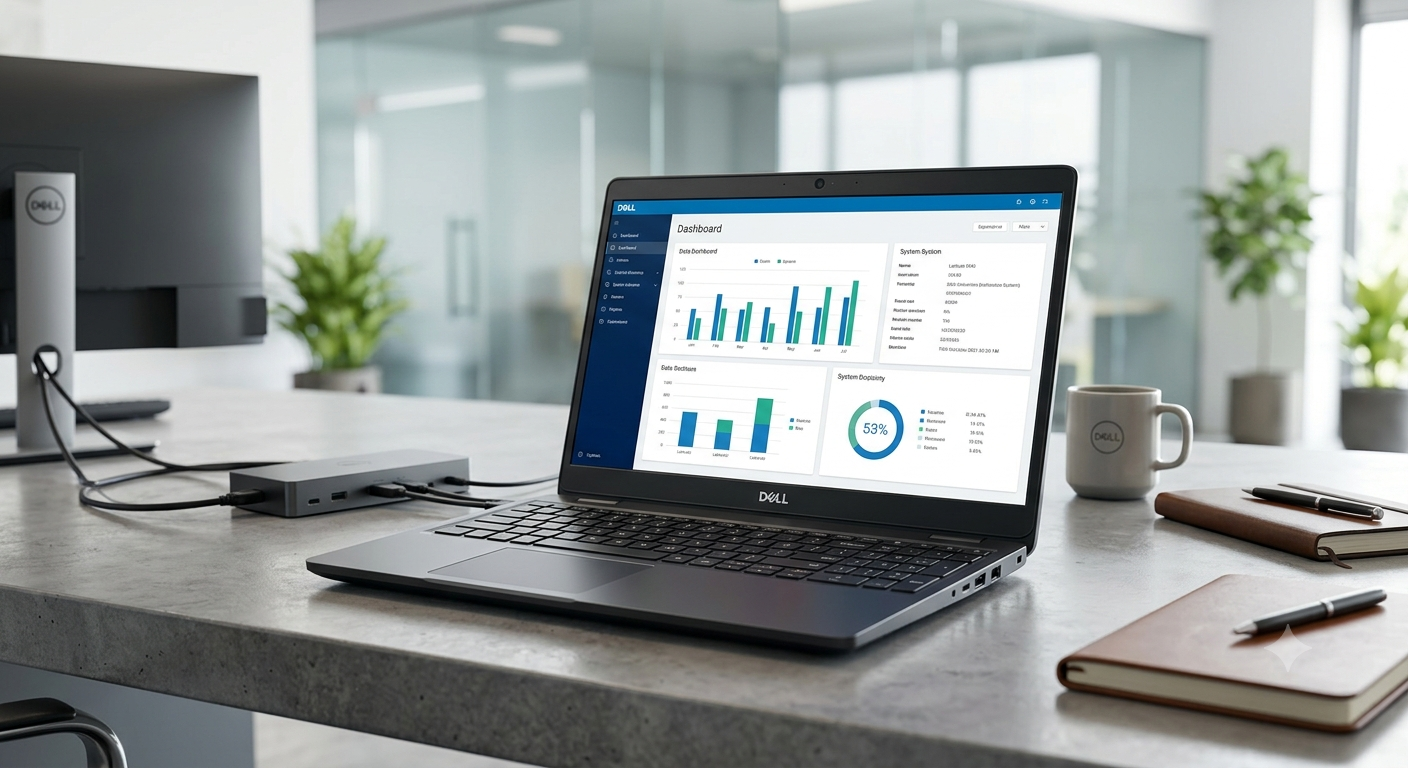
The Dell Latitude 5540 enters this competitive space as Dell’s mainstream 15.6-inch business machine. Designed to handle intense multitasking, financial modeling, and cloud collaboration, this model combines 13th Gen Intel Raptor Lake processors with scalable DDR4 and DDR5 memory configurations. It offers robust enterprise security features like hardware-level vPro, privacy shutters, and optional biometrics alongside versatile connectivity options.
Whether you manage corporate deployment or need a dependable daily workstation, this comprehensive review breaks down everything you need to know. We examine architectural performance, thermal management, battery life, chassis construction, and overall value to help you make an informed investment decision.
Executive Summary: What Makes the Dell Latitude 5540 Stand Out?
The Dell Latitude 5540 balances computing performance, expandability, and enterprise-grade security within a sleek 15.6-inch chassis. It caters directly to corporate environments that demand minimal downtime, seamless remote management, and consistent day-to-day durability.
- Target Audience: Corporate teams, IT managers, remote knowledge workers, and financial analysts.
- Core Advantage: Exceptional memory and storage expandability compared to soldered ultraportables.
- Key Innovation: Integrated Dell Optimizer software that dynamically tunes system resource allocation, audio clarity, and battery power.
- Value Proposition: Delivers enterprise reliability and vPro remote management at a competitive mainstream price point.
Processing Power: 13th Generation Intel Core Architecture
At the heart of the Dell Latitude 5540 lies Intel’s 13th Generation Raptor Lake processor family. Organizations can configure this machine across a broad spectrum of U-series (15W) and P-series (28W) chips depending on computational needs.
- Processor Options: Ranging from Core i3-1315U up to high-performance Core i7-1370P options.
- Hybrid Core Architecture: Combines Performance-cores (P-cores) for heavy tasks with Efficient-cores (E-cores) for background processes.
- Intel vPro Support: Optional vPro Enterprise management allows remote IT troubleshooting and out-of-band updates.
- Multitasking Efficiency: Easily handles heavy spreadsheet calculations, database queries, and active video conference calls simultaneously.
Design and Build Quality: Eco-Friendly Industrial Engineering
Dell emphasizes sustainability without compromising structural integrity in the Dell Latitude 5540. The chassis combines bio-based plastics, recycled carbon fiber, and ocean-bound polymers for a durable footprint.
- Chassis Construction: Rigid Titan Gray finish designed to resist surface scuffs and palm-rest flex.
- Weight Profile: Starts at approximately 1.61 kg (3.55 lbs), making it portable for daily commutes.
- Hinge Design: Smooth 180-degree lay-flat hinge allows easy screen sharing during collaborative meetings.
- Environmental Credentials: EPEAT Gold registered and shipped in 100% recycled packaging.
Display Performance: 15.6-Inch Visual Options
The Dell Latitude 5540 offers multiple 15.6-inch Full HD (1920×1080) anti-glare IPS display configurations tailored to varied work settings. Screen selection directly impacts color accuracy, battery draw, and touch interaction.
- Standard Panel: 250 nits brightness with 45% NTSC color gamut, suitable for standard indoor office tasks.
- Low Power Panel: 400 nits brightness featuring 100% sRGB coverage and integrated low blue light technology.
- Touchscreen Option: 250 nits interactive screen for point-of-sale or interactive presentation needs.
- Anti-Glare Coating: Matte finish minimizes reflections under harsh overhead office fluorescent lighting.
Memory and Expandability: Scalable Dual-Channel RAM
Unlike modern ultrabooks that solder memory directly to the motherboard, the Dell Latitude 5540 prioritizes long-term serviceability and future-proofing.
- Dual SODIMM Slots: Supports up to 64GB of removable RAM for straightforward user upgrades.
- DDR4 vs. DDR5: Configured with DDR4 (3200MHz) for U-series processors or DDR5 (4800MHz) for P-series chips.
- Dual-Channel Benefit: Populating both slots unlocks full Intel Iris Xe graphics performance.
- Cost Efficiency: IT departments can buy base configurations and upgrade memory internally as demands grow.
Comprehensive Technical Specifications Overview
To understand how the Dell Latitude 5540 compares across internal tiers, review this hardware breakdown:
| Hardware Component | Base Configuration | Mid-Tier Configuration | Top-Tier Configuration |
| Processor | Intel Core i3-1315U | Intel Core i5-1345U vPro | Intel Core i7-1370P vPro |
| RAM Type & Capacity | 8GB DDR4 (1x8GB) | 16GB DDR4 (2x8GB) | 32GB / 64GB DDR5 |
| Storage Capacity | 256GB PCIe NVMe SSD | 512GB PCIe NVMe Gen4 SSD | 1TB / 2TB Gen4 SSD |
| Graphics Processing | Intel UHD Graphics | Intel Iris Xe Graphics | NVIDIA GeForce MX550 (2GB) |
| Display Panel | 15.6″ FHD (250 nits) | 15.6″ FHD Touch (250 nits) | 15.6″ FHD Low Power (400 nits) |
| Battery Size | 42 Wh (3-cell) | 54 Wh (3-cell) | 54 Wh (3-cell Long Life) |
Storage Options: High-Speed PCIe NVMe Solid State Drives
Fast data retrieval speeds up boot times, file transfers, and application launching. The Dell Latitude 5540 offers flexible storage configurations via high-speed M.2 NVMe solid-state drives.
- Drive Capacities: Ranging from 256GB up to 2TB PCIe Gen4 x4 NVMe SSDs.
- Form Factor Versatility: Accommodates M.2 2230 and M.2 2280 drive formats.
- Self-Encrypting Drives (SED): Optional Opal Class 35 hardware-encrypted storage safeguards sensitive company data.
- Expansion Potential: Accessible M.2 slots simplify storage upgrades down the road.
Keyboard, Numeric Pad, and Touchpad Ergonomics
Input comfort is essential for data entry specialists, accountants, and writers who spend hours typing daily. The Dell Latitude 5540 delivers an ergonomic, comfortable typing deck.
- Key Travel & Tactile Response: Generous key travel with tactile click feedback minimizes typing fatigue.
- Dedicated Numeric Keypad: Includes a 10-key numeric pad for fast numerical data entry in financial tools.
- Backlight Option: Optional key backlighting enables seamless typing in dimly lit environments.
- Precision Touchpad: Smooth glass-feel surface providing accurate gesture tracking and quiet clicks.
Thermal Management and Noise Dynamics
Efficient heat dissipation maintains sustained system performance without intrusive fan noise. The cooling system in the Dell Latitude 5540 uses re-engineered internal thermals.
- Cooling Hardware: Dual heat pipes paired with a single large cooling fan manage CPU thermal output effectively.
- Smart Venting: Rear exhaust vents push hot air backward, keeping palm rests cool under load.
- Acoustic Profile: Keeps fan noise under 35 dB during everyday office workloads.
- Thermal Performance: Prevents aggressive CPU throttling during prolonged multi-threaded tasks.
Connectivity Suite: Ports, Wireless, and Cellular Options
Dongle-free connectivity is a standout advantage of the 15.6-inch form factor. The Dell Latitude 5540 houses a full array of legacy and modern ports.
- Thunderbolt 4 Ports: Dual USB Type-C Thunderbolt 4 ports support Power Delivery and DisplayPort 1.4 output.
- Legacy Connections: Two USB 3.2 Gen 1 Type-A ports (one with PowerShare) and a full-size HDMI 2.0 port.
- Networking Hardware: Integrated RJ45 Gigabit Ethernet port alongside Intel Wi-Fi 6E and Bluetooth 5.3.
- Cellular & Expansion: Optional 4G LTE/5G WWAN nano-SIM slot, microSD card reader, and SmartCard slot.
Battery Life and ExpressCharge Capabilities
Field technicians and business travelers require reliable battery efficiency away from wall outlets. The Dell Latitude 5540 balances capacity with quick charging options.
- Battery Sizes: Available with 42 Wh or 54 Wh 3-cell ExpressCharge Capable batteries.
- Real-World Endurance: Yields approximately 7 to 9 hours of light web browsing and office productivity.
- ExpressCharge Speed: Replenishes up to 80% battery capacity in approximately 60 minutes using standard USB-C adapters.
- Power Adapters: Bundled with compact 60W, 65W, or 100W Type-C power adapters.
Security Architecture: Enterprise-Grade Data Protection
Corporate data loss can lead to financial and compliance repercussions. The Dell Latitude 5540 integrates multiple hardware and software security layers.
- Hardware Security: Discrete TPM 2.0 chip secures credentials and encryption keys at the hardware level.
- Biometric Authentication: Optional Windows Hello IR camera and fingerprint reader built into the power button.
- Physical Privacy: Hardware privacy shutter physically blocks the webcam lens when off.
- Presence Detection: Optional IR sensor automatically locks the device when you walk away and wakes upon return.
Dell Latitude 5540 vs. Primary Business Competitors
Evaluating the Dell Latitude 5540 against key competitors shows how it stacks up in the corporate market:
| Feature / Model | Dell Latitude 5540 | Lenovo ThinkPad E16 Gen 1 | HP ProBook 450 G10 |
| Base Processor | 13th Gen Intel Core i3 / i5 / i7 | 13th Gen Intel Core / AMD Ryzen 5000/7000 | 13th Gen Intel Core / AMD Ryzen 7000 |
| Maximum RAM | Up to 64GB DDR4/DDR5 (2x SODIMM) | Up to 40GB (1x Soldered + 1x SODIMM) | Up to 32GB DDR4/DDR5 (2x SODIMM) |
| Display Options | 15.6″ FHD IPS (250 – 400 nits) | 16.0″ WUXGA IPS (300 nits) | 15.6″ FHD IPS (250 – 400 nits) |
| Thunderbolt Ports | 2x Thunderbolt 4 | 1x Thunderbolt 4 | 2x USB-C 3.2 Gen 2 |
| Weight | ~1.61 kg (3.55 lbs) | ~1.77 kg (3.90 lbs) | ~1.79 kg (3.94 lbs) |
| Management | Intel vPro / Dell Optimizer | Intel vPro / Lenovo Vantage | Intel vPro / HP Wolf Security |
Real-World Use Cases and Deployment Scenarios
The flexible hardware configuration options of the Dell Latitude 5540 suit several professional environments:
- Financial & Data Analysts: Benefiting from the dedicated numeric keypad and Core i7 P-series compute power.
- Remote Corporate Staff: Leveraging intelligent audio noise cancellation and Wi-Fi 6E for uninterrupted web meetings.
- Field Engineers & Technicians: Utilizing legacy RJ45 Ethernet and full-size HDMI ports without needing dongles.
- Higher Education & IT Fleets: Benefiting from tool-less chassis access, socketed RAM, and simple maintenance.
Real-World Case Study: Enterprise Fleet Modernization
A mid-sized logistics firm deployed 250 units of the Dell Latitude 5540 configured with Core i5-1345U processors and 16GB RAM to replace aging desktop workstations and older laptops.
- Deployment Speed: Using Dell Command Suite, IT deployed customized OS images across all 250 units in under two business days.
- Helpdesk Ticket Reduction: Onboarding issues decreased by 34% due to plug-and-play Thunderbolt 4 single-cable docking station setups.
- Hardware Longevity: Socketed RAM slots allowed the IT department to extend expected device lifecycles from 3 to 5 years.
- Overall ROI: The fleet migration reduced energy consumption by 22% compared to desktop configurations while enabling seamless hybrid work flexibility.
FAQs
Can you upgrade the RAM on the Dell Latitude 5540?
Yes, the Dell Latitude 5540 features two accessible SODIMM slots that support up to 64GB of DDR4 or DDR5 RAM, making future memory upgrades quick and straightforward.
What is the average battery life of the Dell Latitude 5540?
Configured with the 54 Wh battery, the laptop delivers between 7 to 9 hours of standard office productivity, web browsing, and document editing on a single charge.
Does the Dell Latitude 5540 support dual external 4K monitors?
Yes, thanks to its two Thunderbolt 4 ports and full-size HDMI 2.0 output, you can easily drive multiple external 4K monitors at 60Hz via direct cables or a Thunderbolt docking station.
Is the Dell Latitude 5540 suitable for gaming or heavy 3D rendering?
While equipped to handle everyday business tasks and basic media editing, it relies primarily on integrated Intel Iris Xe graphics. Dedicated gaming or intensive 3D CAD work is better suited for specialized workstations like the Dell Precision series.
How heavy is the Dell Latitude 5540 for daily travel?
Starting at just 1.61 kg (3.55 lbs) with a slim profile, it is relatively lightweight for a 15.6-inch business laptop, fitting comfortably into standard backpacks and briefcase bags.
Which operating systems are supported on this model?
The machine officially supports Windows 11 Pro, Windows 11 Home, Windows 10 Pro, and Ubuntu Linux 22.04 LTS straight from the factory.
What security features come standard on the Dell Latitude 5540?
Standard security includes a TPM 2.0 chip, physical webcam shutter, and wedge-shaped lock slot. Optional features include an IR facial recognition camera, fingerprint sensor, SmartCard reader, and vPro management.
Conclusion
The Dell Latitude 5540 delivers a balanced blend of processing power, serviceability, thermal efficiency, and security. By featuring 13th Gen Intel Raptor Lake processors, socketed memory, and comprehensive port selection, Dell has engineered a reliable 15.6-inch workhorse tailored to modern business environments.
While it skips ultra-slim compromises in favor of socketed internal components, this design choice pays off in lower maintenance costs, easier upgrades, and longer service life. Combined with smart features like Dell Optimizer and ExpressCharge battery technology, it minimizes daily friction for remote workers and IT administrators alike.
If your organization prioritizes reliable multi-core performance, easy remote management, and durable eco-friendly construction, the Dell Latitude 5540 stands as a top-tier mainstream investment. Explore custom hardware configurations through Dell’s official enterprise portal to build the ideal setup for your team today.